GoldCRM
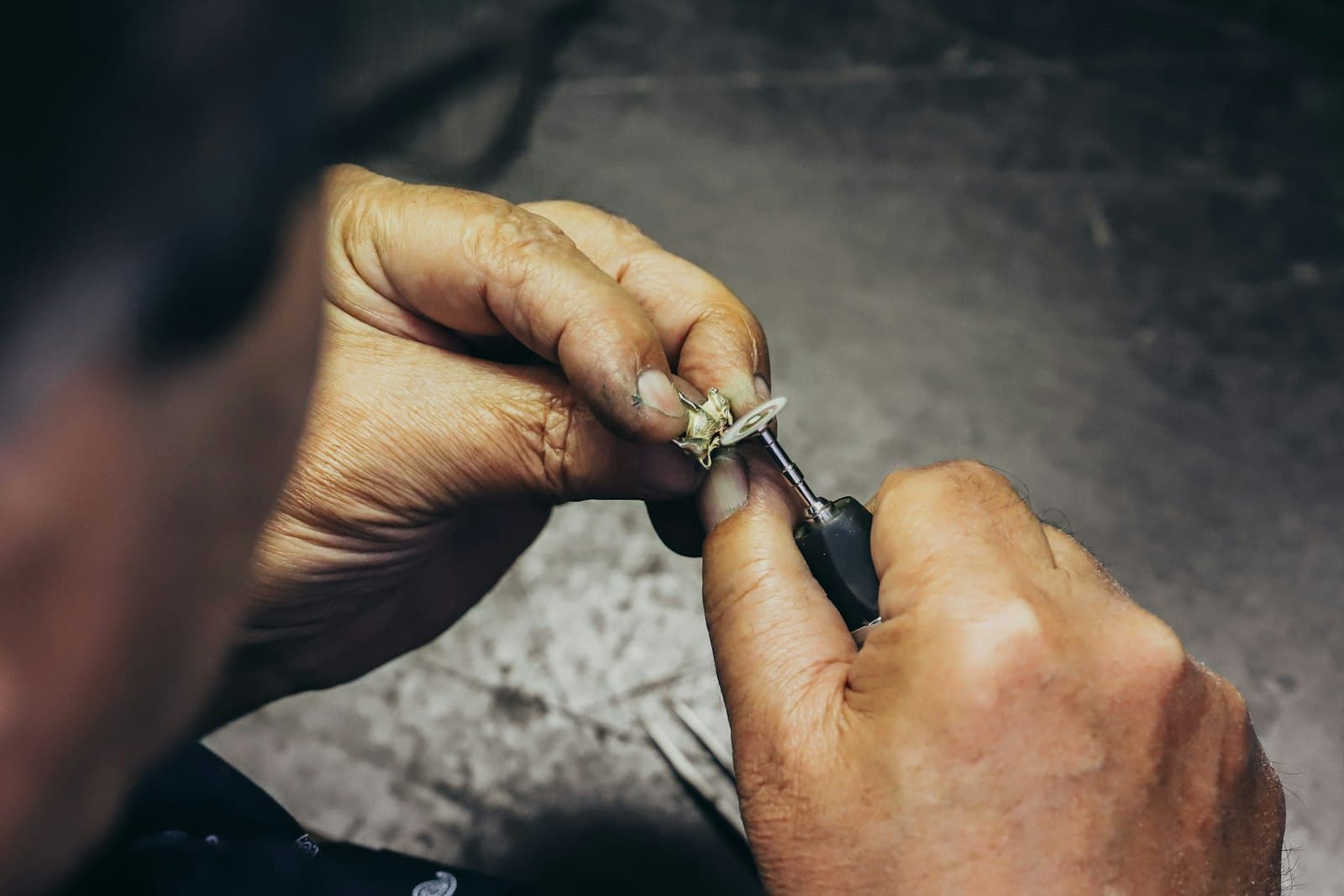
A jeweller working on a piece by hand

Repairs & service

Jewellery Repair Management Software

Take in, track and hand back repairs with photos and a proper bill.

A repair starts with trust: the customer leaves a piece with you. GoldCRM records its weight, condition and photos at intake so there is never an argument at delivery.

Estimates, customer approval, progress notes and metal issued from stock are all on the job card, and delivery produces a service GST bill in its own series with the delivered weight checked.

What you can do

  • Intake with weight, condition report and photographs
  • Estimate, customer approval, job card and progress notes
  • Metal issued and returned from stock
  • Service GST bill in its own series, warranty dates and delivery weight check
  • “Ready for pickup” message to the customer
  • Pending, overdue and turnaround reports

How it works

Repairs & service, step by step

  1. 1

    Intake

    Weigh, describe and photograph the piece; promise a date.

  2. 2

    Estimate

    Record the estimate and the customer’s approval.

  3. 3

    Work

    Add progress notes and any metal used.

  4. 4

    Deliver

    Bill, collect payment and check the delivered weight.

FAQ

Questions about repairs & service

Can staff take repair photos on their phone?

Yes. The staff mobile app takes condition photos at intake and attaches them to the repair, and more can be added at any stage.

Works with

Staff mobile app

Scan, sell, follow up and take repairs from the showroom floor.

  • Camera scanning of tags, barcodes and QR codes; lookup by tag, HUID or serial
  • Item details with weights, movements and the server’s price at today’s rate
  • Cart with tagged and batch lines, discounts, quotations and conversion

Learn more

Customer CRM & loyalty

Remember every customer, every occasion, every follow-up.

  • Customer 360°: purchases, outstanding, schemes, repairs and orders
  • Leads with owners, sources, follow-ups and conversion
  • Calls, tasks, appointments and a daily “My day” agenda
Learn more
Gold coins

See repairs & service with your own data

A walkthrough with your products, your rates and your branches — no slides.